
- All
- Safety and Security Tips
- Tech Guides
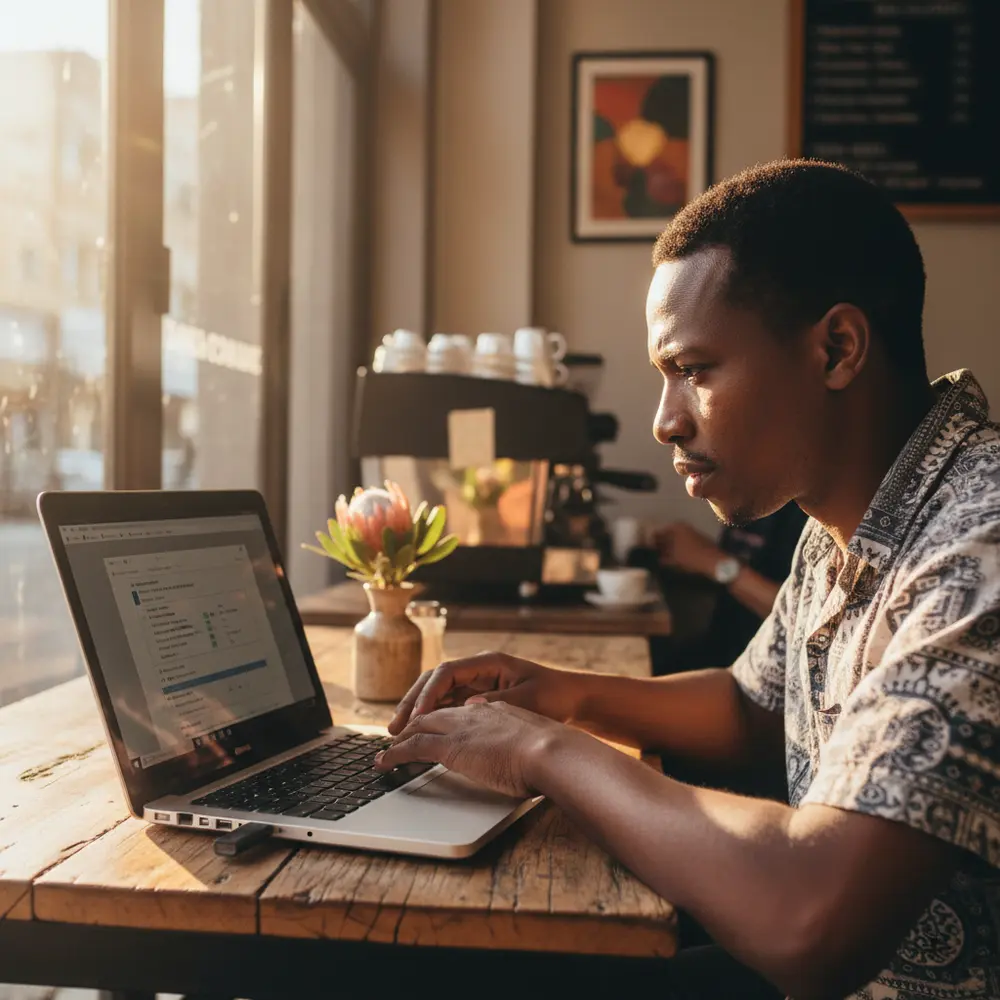
Top Things to Look Out for When Buying a Used Laptop or PC in South Africa
Buying a used laptop or PC in South Africa? Use this practical checklist to inspect hardware, spot scams, and avoid costly mistakes before you pay.

How to Check If a Used Laptop Is in Good Condition Before You Buy
Buying a used laptop in South Africa? Use this beginner checklist to inspect hardware, test battery health, and spot red flags before you pay.
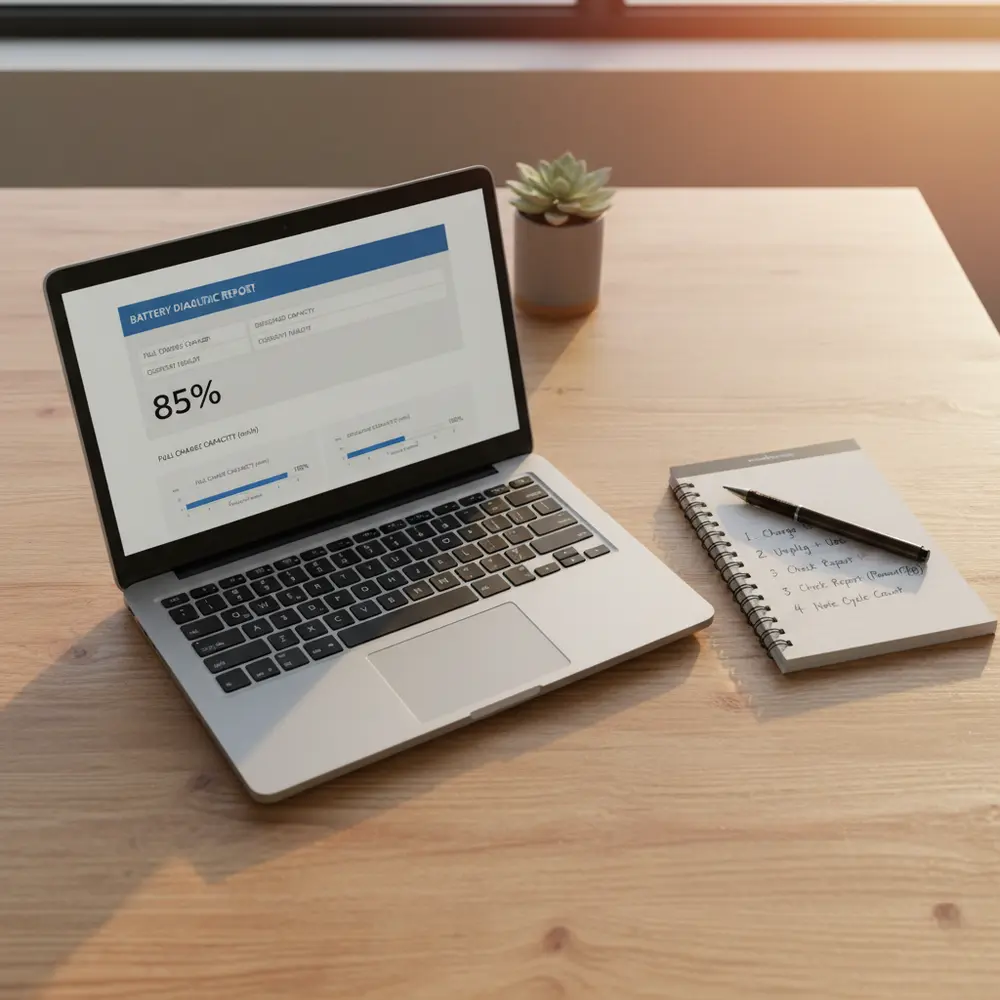
How to Check Battery Health on a Used Laptop
Learn how to check laptop battery health before buying or selling a used laptop in South Africa. Windows and Mac steps, red flags, and pricing tips included.
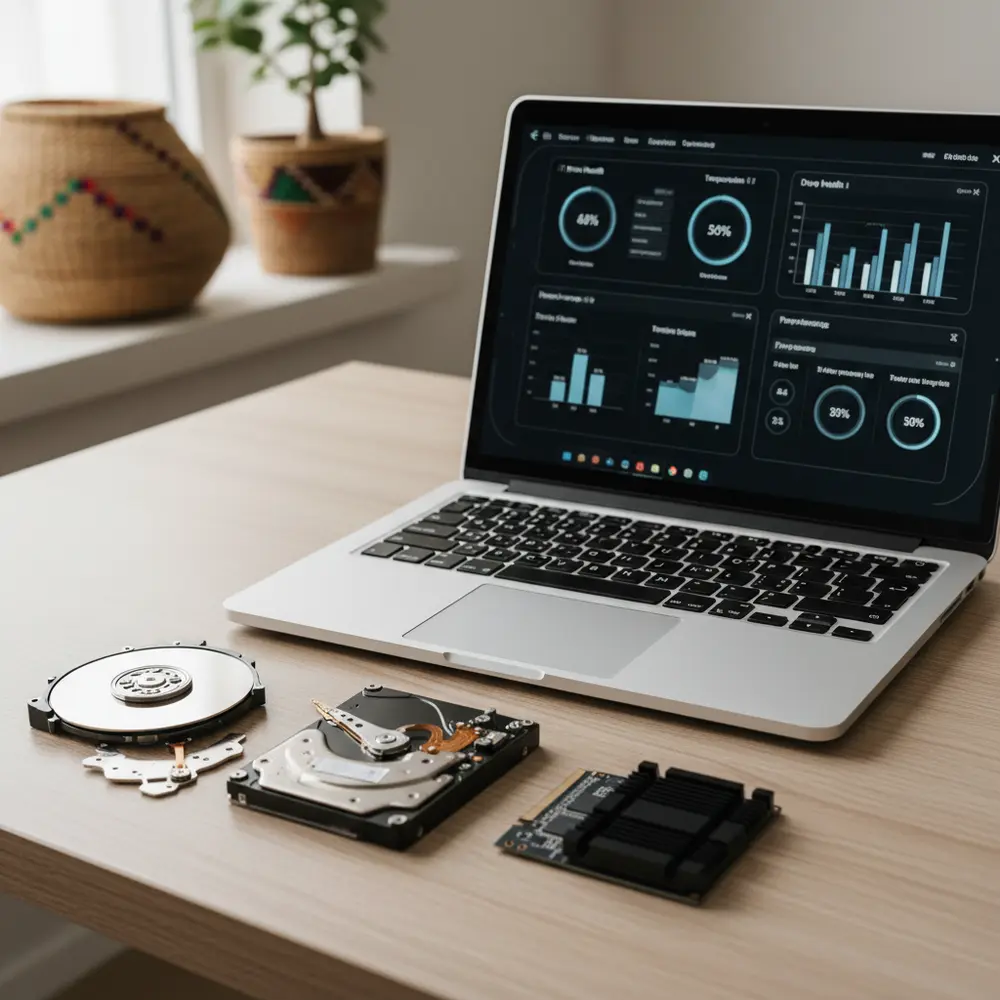
How to Check HDD or SSD Health Before Selling Your PC
Learn how to check your HDD or SSD health before selling your laptop or PC in South Africa. Free tools, SMART data explained, and a pre-sale checklist.

Why Selling to Sell Your PC Is the Safest Way to Sell
Selling a used laptop or PC privately in South Africa comes with real risks. Learn why selling to Sell Your PC is safer, faster, and fraud-free.
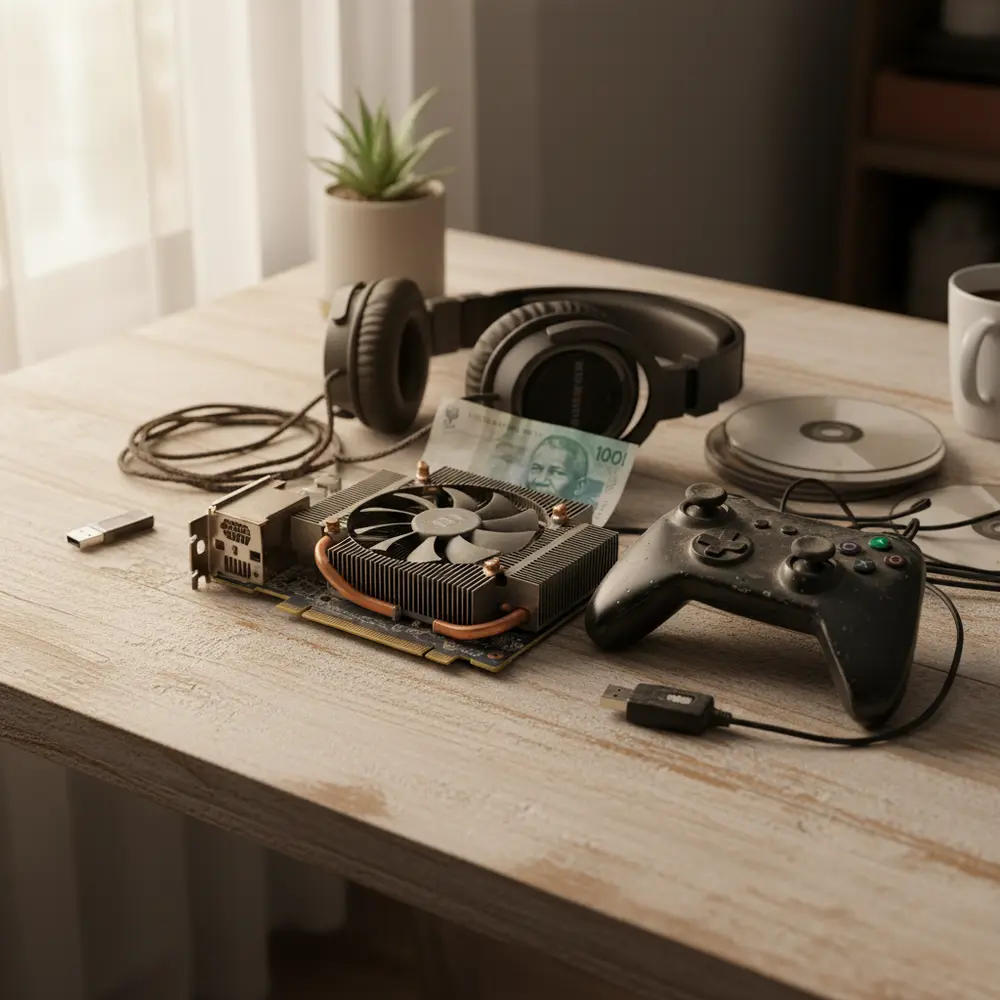
Best Places to Buy and Sell Used Gaming Equipment in SA
Find the best platforms to buy and sell used gaming equipment in South Africa in 2026, with safety tips, scam warnings, and a practical checklist.

Trade In Your Old PC or Laptop and Save
AI RAM shortages are pushing up component prices in South Africa. Find out why trading in your old PC or laptop now makes smart financial sense.

How AI Is Making RAM and Laptops More Expensive
AI is driving a global RAM shortage that is pushing up laptop and PC prices in South Africa. Here is what it means for buyers and sellers right now.
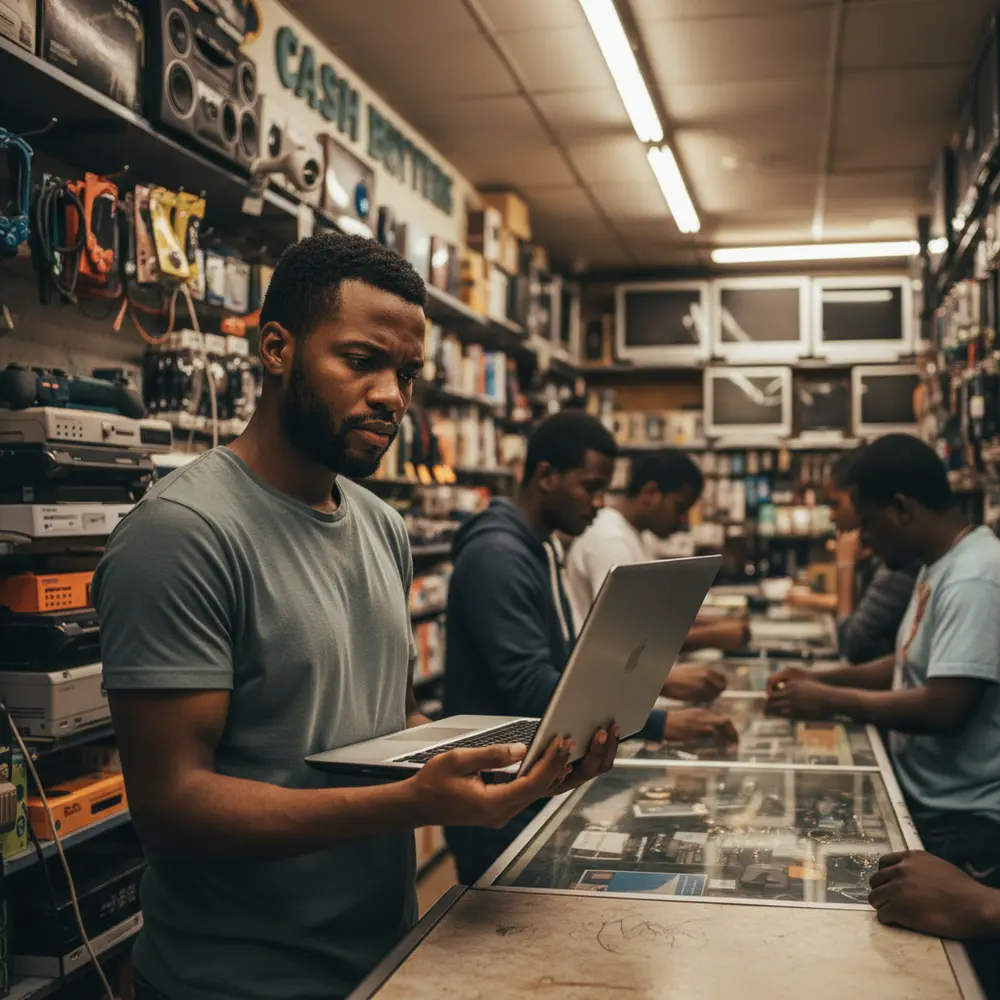
Why Selling Your PC to Cash Crusaders Is a Bad Idea
Selling your laptop or PC to Cash Crusaders? Read this first. Low payouts, data risks, and legal exposure explained for South African sellers.
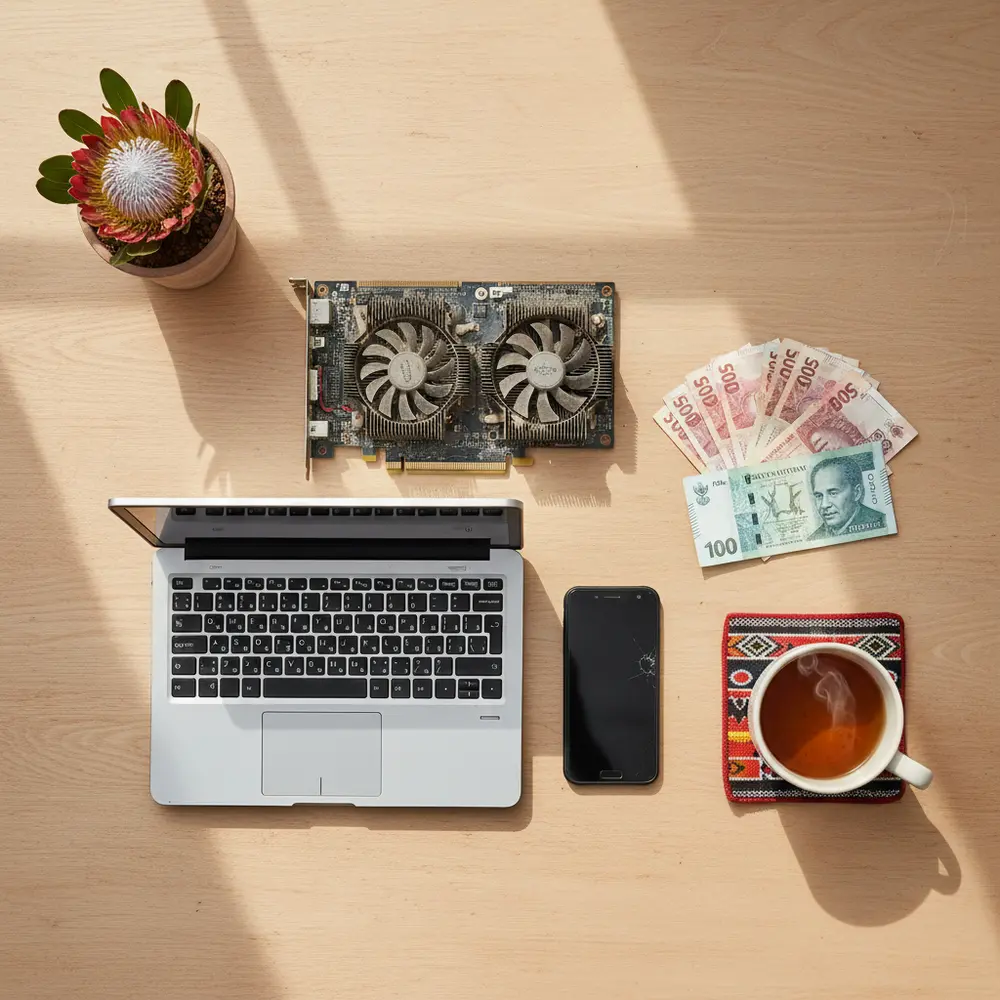
Sell Old Tech Safely in South Africa
Selling used electronics in South Africa? Learn how to wipe your data, price fairly, avoid scams, and recover funds for a new PC or laptop safely.